The maths app that shows, not tells

More than 1,000 visual games for Classes 3 to 12, organised around the NCERT chapters. Free, with no ads, and it works offline.

  • Free
  • No ads
  • Works offline
  • No timers
  • English · हिंदी · मराठी
Tivumo: maths you can see
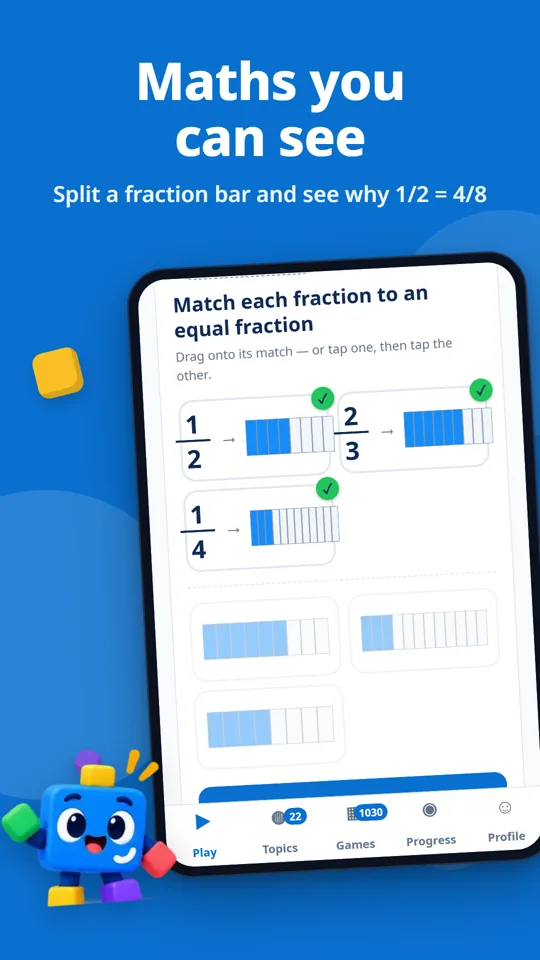
Maths you can see
Maths you can seeSplit a fraction bar and see why 1/2 = 4/8
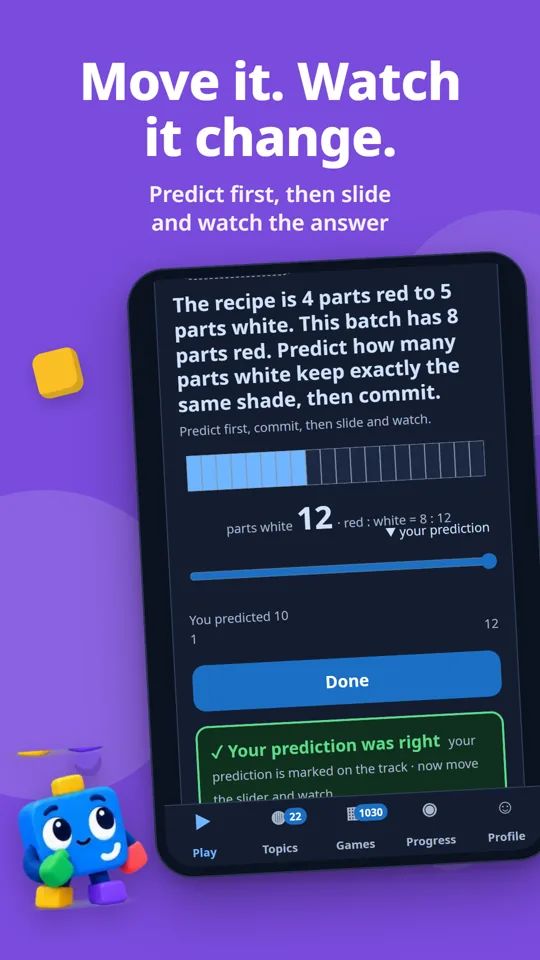
Move it. Watch it change.
Move it. Watch it change.Predict first, then slide and watch the answer
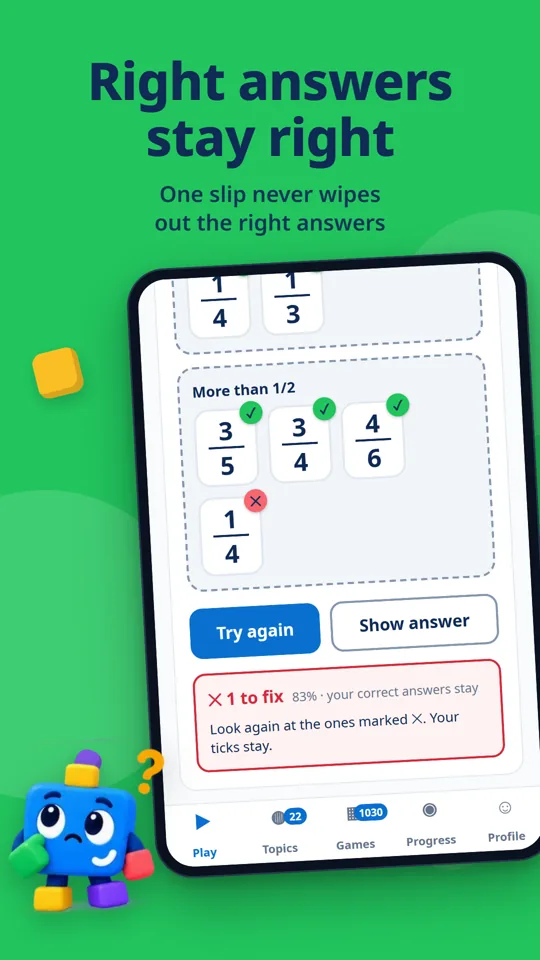
Right answers stay right
Right answers stay rightOne slip never wipes out the right answers
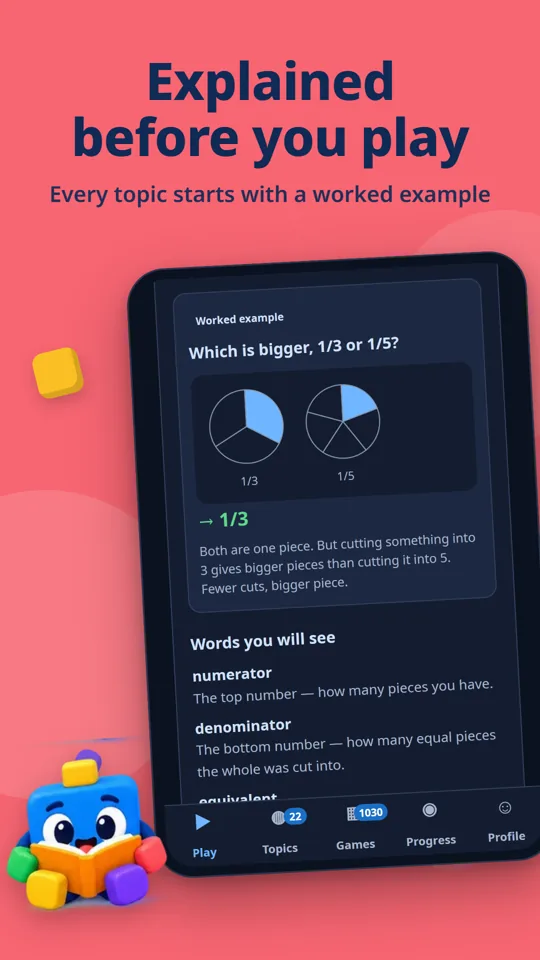
Explained before you play
Explained before you playEvery topic starts with a worked example
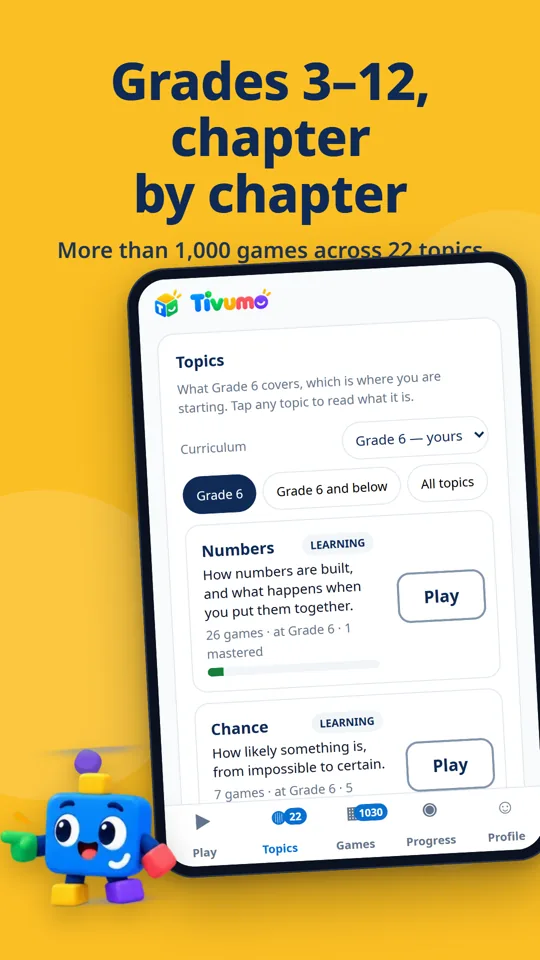
Grades 3–12, chapter by chapter
Grades 3–12, chapter by chapterMore than 1,000 games across 22 topics
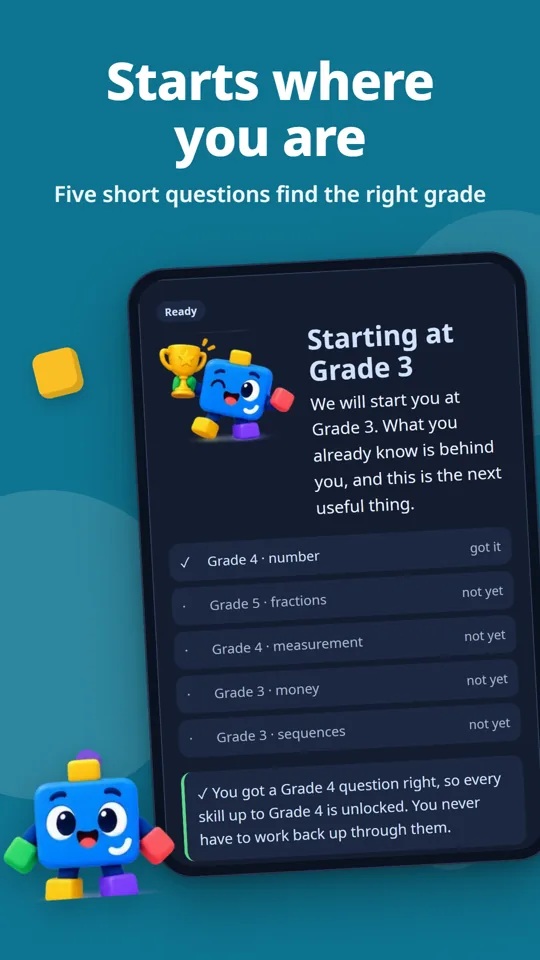
Starts where you are
Starts where you areFive short questions find the right grade
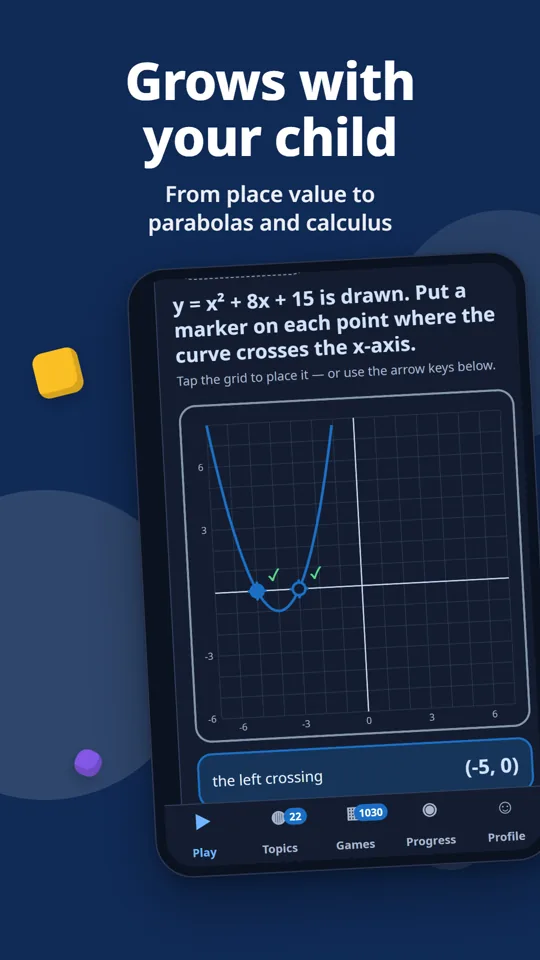
Grows with your child
Grows with your childFrom place value to parabolas and calculus
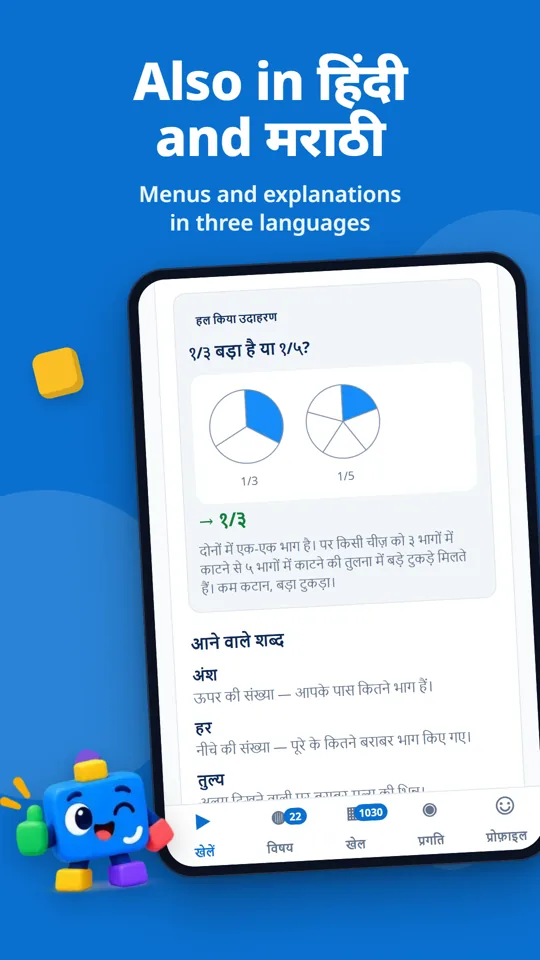
Also in हिंदी and मराठी
Also in हिंदी and मराठीMenus and explanations in three languages

What’s inside

Starts where your child is

Five short questions find a starting class. Every class up to the hardest question answered correctly opens straight away, so a capable child never grinds through years they already know.

Right answers stay right

When an answer is wrong, Tivumo keeps the parts that were right, so your child only fixes what is left. Right and wrong are always shown with ✓ and ✕, never by colour alone.

Explained before it is played

Every topic opens with a short explanation and a worked example, and it stays one tap away during every game.

Learning that lasts

Skills come back a day, three days and a week later, asked a different way each time, so what sticks is the idea, not the answer to one question.

No timers, no pressure

Tivumo never rushes a child. There are no countdowns and no leaderboards, and progress comes from understanding, not from points.

Built for Indian families

Works offline once opened, on low-cost phones and slow connections. No ads, no in-app purchases, and no account for your child. Progress stays on the phone.

Get it on your phone

Any phone, now

Open learn.tivumo.com in your browser. That’s it: no download, no account.

Android

In Chrome, tap ⋮ → “Install app” or “Add to Home screen”. A Google Play version is on its way.

iPhone and iPad

In Safari, tap Share → “Add to Home Screen”. It opens full screen, like any app.

Questions parents ask

Is Tivumo really free?
Yes. Tivumo is free, has no advertising and no in-app purchases. It is supported by an institutional sponsor.
Does it need the internet?
Only to open it the first time. After that it works offline, including on low-cost phones and slow connections.
Does my child need an account?
No. Your child never signs up for anything. Progress is stored on the phone.
Which languages does it support?
Menus, topic explanations and most game titles are in English, हिंदी and मराठी. Some questions inside the games are still in English.
Does it work on iPhone?
Yes. Open learn.tivumo.com in Safari, tap Share, then “Add to Home Screen”.
How do I put it on an Android phone?
Open learn.tivumo.com in Chrome and tap “Install app” or “Add to Home screen” from the menu. A Google Play version is on its way.
Does Tivumo solve my child’s homework questions?
No. Tivumo is for practice and understanding, not for getting answers to a worksheet. Every topic is explained with a worked example, and the games build the skill so the homework makes sense.
Is it a free download?
Tivumo is free. There is nothing to download: open learn.tivumo.com and add it to your home screen, and it works offline from then on. A Google Play version is on its way.
Who makes Tivumo?
A small team in India, with a maths educator who checks every teaching claim. About us.

Open Tivumo on any phone, today

No download, no account for your child. Classes 3 to 12, more than 1,000 games.